Why Pinterest Images Look Blurry When You Save Them
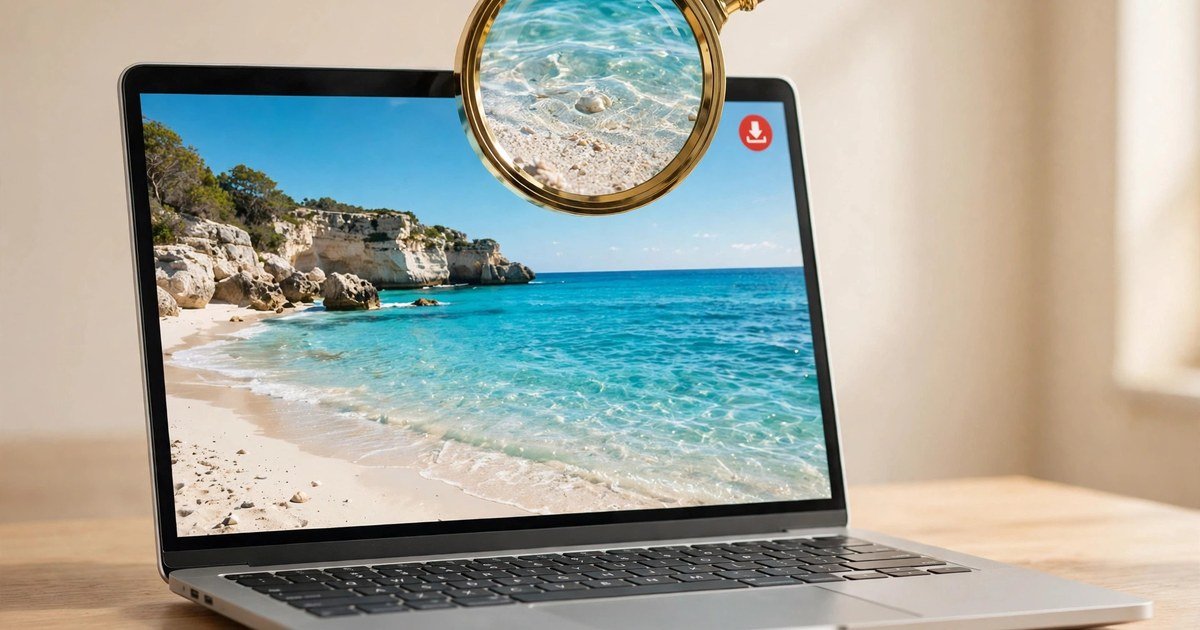
When you browse Pinterest on your smartphone screen or laptop browser, Pinterest does not serve the raw, original master photograph that the author uploaded. Loading hundreds of full-resolution 12-megapixel images in a visual discovery feed would consume hundreds of megabytes of cellular bandwidth and cause severe browser stuttering.
To deliver lightning-fast scrolling, Pinterest's backend creates scaled-down thumbnail variations. The primary size served in standard feed grids is known as the 236x rendition (scaled to a maximum width of 236 pixels). When you expand a pin to view its detail page, Pinterest delivers a 736x rendition (736 pixels wide). If you simply right-click a pin on your desktop and select "Save image as...", or perform a long-press on a mobile browser, your browser downloads whichever low-resolution scaled thumbnail happens to be rendered in the document DOM. On modern high-DPI displays (such as Apple Retina or ultra-high-resolution monitors), a 736px image will look visibly fuzzy when magnified, with blurred edges and compressed color banding.
Furthermore, right-clicking on mobile feeds often captures an even smaller thumbnail or a compressed progressive WebP preview. For professional graphic designers assembling mood boards, brand stylists selecting print references, or wallpaper enthusiasts wanting razor-sharp desktop backgrounds, these compressed renditions fall far short of usable quality.
What Is "Original Quality"? (The originals/ CDN URL)
Pinterest retains the original master asset uploaded by the creator on its high-speed Akamai and Fastly content delivery networks (stored under domains like i.pinimg.com). In Pinterest's internal CDN path structure, scaled images use path prefixes such as /236x/, /474x/, or /736x/.
Directly adjacent to these downscaled derivatives sits the untouched master file, referenced in the URL path as /originals/. For example, if a thumbnail is served from https://i.pinimg.com/736x/ab/cd/ef/abcdef012345.jpg, the untouched source photograph lives at https://i.pinimg.com/originals/ab/cd/ef/abcdef012345.jpg. This master file preserves the full original pixel dimensions (often 2000px, 3000px, or higher), untouched color depth, and maximum compression quality. Our Pinterest Image Downloader directly queries the pin's JSON data to isolate and deliver this exact /originals/ URL without lossy intermediate processing.
When you inspect an image saved via our originals/ extractor, you will immediately notice the difference in clarity: text remains crisp, fine fabric textures and hair strands are sharply delineated, and color gradients transition smoothly without blocky compression artifacts.
Download Pinterest Images on iPhone
Saving full-resolution original photos on an iPhone or iPad takes just a few steps:
- Copy Pin URL: Open the Pinterest iOS app, find the photo pin you love, tap the Share button, and select "Copy Link".
- Open EZPinSaver in Safari: Launch Safari and visit our Pinterest Image Downloader page.
- Paste and Fetch: Tap the input box, tap "Paste", and hit the red "Download" button. In under 2 seconds, our server resolves the
originals/image path. - Save Master Image: Tap the "Download Original Image" button. Safari displays a preview of the high-res photo. Long-press the image and tap "Save to Photos" (or use Safari's Download prompt). The file is saved directly into your iPhone's camera roll in maximum available resolution.
Download Pinterest Images on Android
Android users can save master photographs directly into their local storage gallery:
- Copy Link: In the Pinterest app, tap the three dots or share arrow on the pin, and tap "Copy link".
- Submit Link to Tool: Open Chrome or your default Android browser, go to EZPinSaver, paste the URL, and tap "Download".
- Save with Attachment Headers: Tap the "Download Original Image" button. Because our server attaches proper download headers, Android saves the raw master file directly to your
/Downloadfolder without web compression. - View in Gallery: Open Google Photos or your phone's Gallery. You can zoom in deeply without encountering the pixelation common to feed screenshots.
Download Pinterest Images on PC (Windows & Mac)
On desktop computers, downloading master images in bulk or for design projects is effortless:
- Copy URL: Open Pinterest in your browser, click the pin you wish to save, and copy the browser address bar URL.
- Paste into Tool: Head to EZPinSaver, paste the link, and click "Download".
- Instant High-Res Save: Click "Download Original Image". The file is instantly saved to your computer's Downloads directory with a readable, descriptive title.
JPG, PNG, or WebP — What File Will You Get?
When you download an image from Pinterest, what file type will you actually receive? The file extension depends entirely on the original format uploaded by the creator:
- JPG / JPEG: The overwhelming majority of Pinterest photography pins (over 90%) are stored as JPEG files. If the creator uploaded a JPEG, Pinterest serves the uncompressed original JPEG.
- PNG: If the creator uploaded a graphic illustration, infographic, or asset with transparency (such as a logo or digital sticker) in PNG format, Pinterest preserves the transparent PNG file in the
originals/directory. - WebP: Pinterest occasionally serves modern WebP files to supported web browsers to reduce bandwidth. However, whenever our downloader extracts the
originals/asset, it prioritizes the creator's unadulterated source container (JPEG or PNG).
What Will the Image File Be Called?
Unlike other download tools that save files with cryptic server hashes like e4b789acde98f.jpg, EZPinSaver automatically parses the creator's real pin title and generates an organized, operating-system-friendly filename. A pin titled "Modern Minimalist Living Room Interior Design" downloads directly as modern-minimalist-living-room-interior-design.jpg. Your local design folders stay organized and easy to search.